
 Jordan Ellis
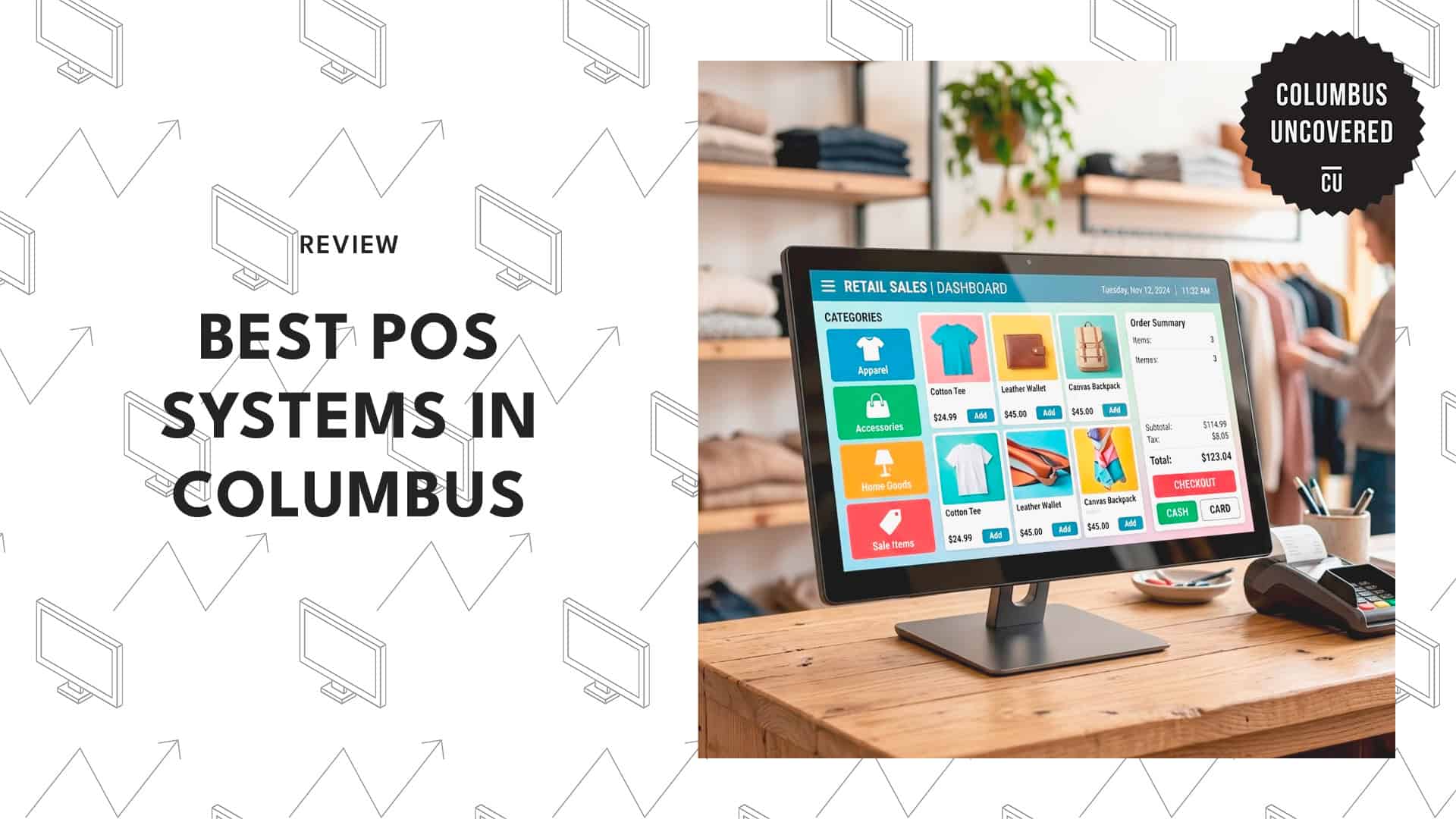
Running a successful business in the Arch City means keeping your checkout lines moving and your data secure.
Whether you’re launching a trendy cafe in the Short North or managing a high-volume retail space downtown, a reliable point-of-sale setup is the backbone of your daily operations.
Finding the best POS system in Columbus involves more than just picking a screen; you need a platform with clear pricing and responsive local support for those inevitable technical glitches.
I evaluated several top-tier providers to identify the most stable and feature-rich options tailored to Central Ohio’s unique business landscape, so read on!
How much does a POS system cost in Columbus?
Point-of-sale (POS) systems in Columbus typically require a software subscription ranging from $0 to $200 per month.
Initial hardware costs vary widely by industry, ranging from a few hundred dollars for a basic tablet setup to several thousand for a full enterprise-grade kit.
| Cost Category | Estimated Range |
| Monthly Software Subscription | $0 – $200+ |
| Basic Hardware Setup | $300 – $500 |
| Comprehensive Hardware Kit | $500 – $3,000+ |
| Payment Processing Fees | 1.5% – 3.5% per transaction |
| Add-on Services (Monthly) | $10 – $40+ per feature |
1. Retail Data Systems
Website: https://www.rdspos.com/
Address: 2686 Sawbury Blvd
Contact: (800) 748-0118
Hours: Available 24/7
Partnering with an established vendor brings serious peace of mind, and Retail Data Systems stands out as a major North American dealer with deep community roots.
Their infrastructure allows them to offer constant localized support directly from their Hilliard office, so you get on-the-ground expertise instead of a generic help hotline.
The platform handles the entire implementation process, from the physical hardware installation to ongoing maintenance and staff training.
I recently helped a colleague set up their terminal, and the dedicated training session made the transition feel incredibly smooth.
On the downside, their specialized focus on grocery and hospitality means traditional professional services might find the software a bit rigid for their specific needs. If your business falls outside those niches, you might encounter some friction in adaptation.
2. Jumpmind, Inc

Website: http://www.jumpmind.com/
Address: 8999 Gemini Pkwy
Contact: 888-942-5867
Hours: Mon-Fri 8:00 AM – 5:00 PM
Modern merchants need flexibility, and Jumpmind delivers with a platform-agnostic design that runs identically across various operating systems.
Their cloud-native architecture is built with impressive offline resilience, enabling your store to process complex transactions even during a total internet blackout.
I particularly like their microservices framework; it lets you plug specific retail functions into your existing setup without overhauling your entire operation from scratch.
You also get exceptional scalability that automatically adjusts resources during massive sales events or holiday rushes.
However, this advanced “API-first” approach introduces significant technical complexity during the initial setup phase. You’ll need to carefully manage your various vendor integrations to prevent any structural conflicts within your tech stack as you grow.
3. Pineapple POS

Website: https://pineapplepos.com/columbus/
Address: 8286 South Ave Bldg A, Ste 2 Boardman
Contact: 330-800-1464
Hours: Mon-Sat 9:00 AM – 5:00 PM
Managing startup capital is one of the most stressful parts of owning a business, so finding a vendor with a zero-cost-entry model is a major win.
Pineapple POS provides fully functional terminals with no upfront costs and a hybrid cloud architecture that keeps your transactions moving even when the Wi-Fi drops.
They also pack in a reliable CRM database and marketing tools to help you track buying patterns and keep customers coming back.
I visited a local cafe that recently made the switch, and the manager mentioned how seamless the transition felt, thanks to the dependable local service team.
Unfortunately, the ecosystem is strictly tied to the SkyTab software environment, which means you are locked into their designated payment processor and have limited financial flexibility.
4. SmartTab
Website: https://www.smarttab.vegas/pos-system-columbus-ohio
Areas served: Columbus
Contact: (844) 707-7772
Hours: Available 24/7
Handling high-volume crowds requires aggressive software speed, and the SmartTab interface is heavily optimized to find open tabs and menu items instantly.
I like how they use a dual-system architecture that combines an on-site server with cloud connectivity, ensuring your orders are processed perfectly even without internet access.
They even pair this speed with identity-based guest profiles that can verify age and link payment data at the same time.
They actively service clients throughout the Columbus area, starting right after your initial company registration. I noted that their specialized design is popular with energetic nightclubs and massive bars that can’t afford a slow interface.
However, these features might feel a bit clunky for a traditional clothing boutique or gift shop. Additionally, the baseline monthly fee per station is quite high, which could be a hurdle for smaller operations.
5. Smile POS
Website: https://smile-pos.com/oh/columbus
Areas served: Columbus and nearby areas
Contact: Website contact form
Hours: Available 24/7
Finding sturdy hardware is vital in bustling environments, and Smile POS is specifically engineered to withstand the heat and grime of busy commercial kitchens.
With their transparent support policy, they guarantee fast responses from local experts rather than the long delays you often find with phone-based support.
I appreciate that they secure sensitive data through encrypted, automatic recovery protocols that run constantly in the background to prevent data loss.
On the bright side, if you are reviewing your books with a tax consultant, you’ll love how easily their bundles integrate with common accounting software.
Unfortunately, if your system does suffer a major crash, a full restoration can take several hours, which could lead to significant downtime if it happens during a peak Friday night shift.